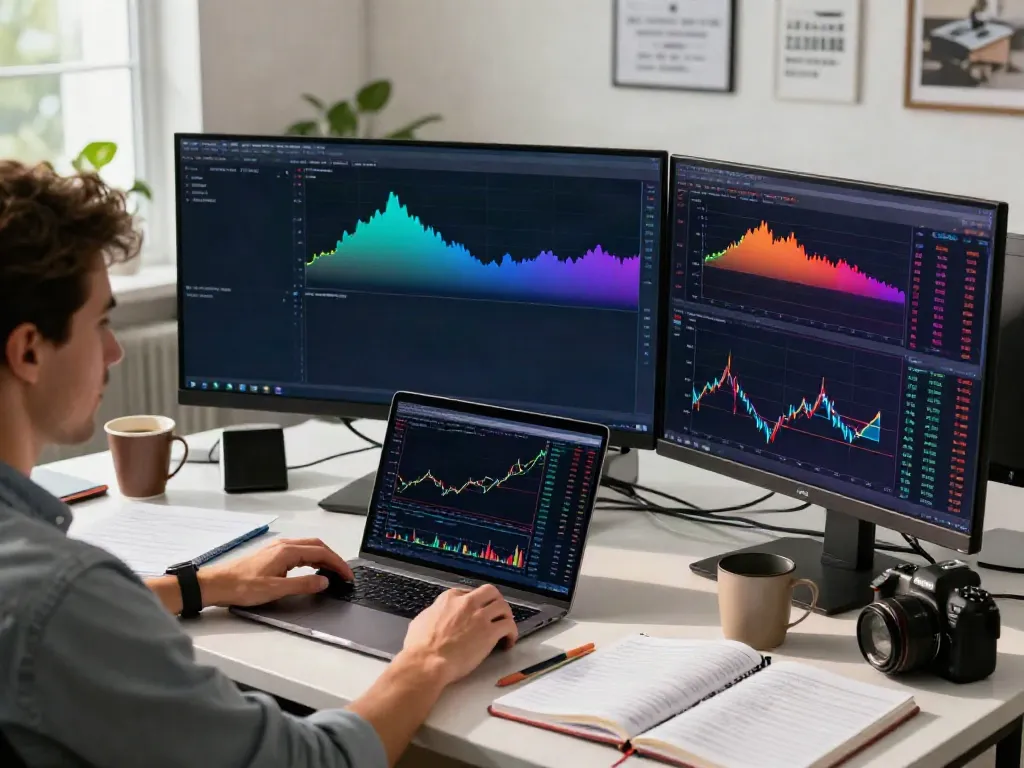
Understanding TradingView: A Comprehensive Overview
In the realm of trading and financial analysis, the tools traders choose can significantly impact their success. As we navigate through a rapidly evolving market landscape in 2026, platforms like TradingView have emerged as essential resources for traders and investors alike. This article delves into the features, benefits, and applications of TradingView, providing readers with a clear understanding of how to utilize this powerful platform to enhance their trading strategies.
What is TradingView and its Core Features?
TradingView is a cloud-based platform that combines advanced charting tools, social networking capabilities, and extensive community insights to facilitate trading across various asset classes. With its user-friendly interface, TradingView allows traders to analyze stocks, cryptocurrencies, forex, and derivatives effectively. Some core features include:
- Multi-Asset Coverage: Users can access real-time data from a variety of markets, including U.S. stocks, European equities, forex pairs, and cryptocurrencies.
- Advanced Charting Tools: The platform offers customizable charts with multiple timeframes, technical indicators, and drawing tools, making it suitable for both day trading and swing trading.
- Alerts and Notifications: Traders can set price alerts and notifications based on custom conditions, allowing for more proactive trading strategies.
- Pine Script: This built-in scripting language enables users to create custom indicators and strategies, enhancing the flexibility of their analysis.
Comparing TradingView with Other Trading Platforms
When evaluating TradingView against other trading platforms, several factors come into play including user experience, functionality, and the overall breadth of features. Unlike many traditional trading platforms that may separate charting, analysis, and execution into different modules, TradingView integrates these elements into a cohesive workspace. This consolidation allows traders to conduct comprehensive research without needing to switch between different applications.
Benefits of Using TradingView for Market Analysis
The benefits of using TradingView for market analysis are manifold. First, the accessibility of information and tools simplifies the research process for both novice and experienced traders. Additionally, the social networking aspect allows users to share insights and strategies, learning from a global community of traders. This collaborative environment fosters growth and allows traders to refine their approaches based on real-time feedback and discussions.
Getting Started with TradingView
Creating Your TradingView Account: Step-by-Step Guide
To begin leveraging the power of TradingView, the first step is to create an account. The process is straightforward:
- Navigate to the TradingView website.
- Click the "Sign Up" button and choose your preferred method (email, Google, or social media).
- Fill in the required details and verify your email address.
- Once your account is set up, explore the available plans; TradingView offers both free and premium subscriptions, with various features tailored to different trading needs.
Setting Up Your First Chart and Workspace
After creating your account, it’s time to set up your first chart. TradingView provides an intuitive interface to get you started:
- Select the asset class you wish to analyze by searching for a specific stock, currency pair, or cryptocurrency.
- Choose your desired chart type (candlestick, bar, or line chart) and set the time frame that best suits your trading strategy.
- Apply technical indicators and drawing tools to your chart to enhance your analysis.
Customizing Indicators for Effective Trading
TradingView offers a plethora of indicators to assist traders in making informed decisions. Customizing these indicators can significantly improve your trading effectiveness. Here’s how:
- Select "Indicators" from the top menu and search for the desired indicators.
- Adjust the settings of each indicator based on your trading strategy—this may include changing the period or style.
- Save your customized indicators to your profile for easy access in the future.
Mastering Technical Analysis with TradingView
Utilizing Chart Patterns and Technical Indicators
Understanding and utilizing chart patterns is a critical aspect of technical analysis. TradingView provides users with an extensive library of resources to help identify these patterns. Commonly used indicators include:
- Moving Averages: These help smooth out price data and identify trends.
- Relative Strength Index (RSI): This momentum oscillator measures the speed and change of price movements.
- Bollinger Bands: These offer insights into price volatility and trend reversals.
Developing Trading Strategies with Pine Script
Pine Script allows users to develop their own custom trading strategies and indicators. The scripting language is user-friendly, making it accessible even for individuals without a programming background. To get started:
- Open the Pine Script editor from the TradingView interface.
- Write your script by defining the parameters of your strategy.
- Use the Strategy Tester feature to evaluate the performance of your strategy based on historical data.
Backtesting and Evaluating Trading Strategies
One of the standout features of TradingView is its Strategy Tester, which allows you to backtest any programmed strategy against historical data. This can provide invaluable insights into the effectiveness of your trading approach:
- Load your script in the Strategy Tester to see how it would have performed in the past.
- Analyze key metrics such as win rate, drawdowns, and profitability.
- Adjust your strategy based on the results to optimize performance.
Real-World Applications of TradingView
Case Studies: Successful Traders’ Strategies
Several successful traders have leveraged TradingView to devise unique strategies that align with their trading goals. For example, a trader focusing on day trading may use the platform to analyze high-frequency data, while a long-term investor might utilize fundamental analysis tools. Case studies highlight how TradingView's features can be adapted to various trading styles:
- Day Trading: Quick execution and alert features help traders capitalize on short-term price movements.
- Swing Trading: By combining technical analysis with community insights, traders can identify promising swing trading opportunities.
Integrating TradingView with Brokerages for Live Trading
TradingView also allows users to connect with various brokerage accounts for live trading. This integration simplifies the process of executing trades directly from the chart interface:
- Choose a supported broker from TradingView’s list of integrations.
- Link your brokerage account to TradingView securely.
- Execute trades directly while analyzing charts, enhancing efficiency.
Analyzing Market Trends Using Community Insights
Community insights play a vital role in gauging market sentiment. TradingView's social features allow users to follow experienced traders, engage in discussions, and analyze shared ideas and strategies. This collaborative environment benefits traders of all experience levels, enabling them to gain diverse perspectives on market trends.
Future Trends in Trading Technology and TradingView
Predictions for TradingView Innovations in 2026
As technology continues to advance, TradingView is expected to introduce innovative features that enhance user experience and trading efficiency. Potential future developments could include:
- AI-Driven Analysis: Utilizing artificial intelligence to provide personalized trading insights based on individual trading habits.
- Enhanced Community Features: Improved ways for users to interact, share strategies, and collaborate on trading decisions.
Emerging Technologies Impacting Trading Platforms
With the rapid evolution of technology, emerging trends such as blockchain, artificial intelligence, and machine learning are set to reshape trading platforms. Traders can expect more robust analytical tools, better data security, and innovative trading experiences.
Best Practices for Continuous Learning in Trading
Continuous learning is paramount for traders looking to stay competitive. Here are some best practices to consider:
- Regularly review and analyze your past trades to understand what works and what doesn’t.
- Engage with the TradingView community to learn from others’ successes and challenges.
- Stay updated with market news and developments to adapt your strategies accordingly.
What is TradingView's Community and How to Engage?
The TradingView community is a vibrant hub of traders sharing ideas, strategies, and market insights. Engaging with this community can provide valuable knowledge and support. Consider the following tips:
- Participate in discussions by commenting on charts and ideas shared by others.
- Follow experienced traders whose strategies resonate with your trading style.
- Share your own trading ideas and analyses to contribute to the community.